

BBR congestion control is a TCP tuning algorithm developed by Google. It’s designed to optimize bandwidth throughput and congestion when accessing a destination host over high-latency links and to reduce packet loss. Most Linux systems in use today support this algorithm.
BBR Tuning Principle
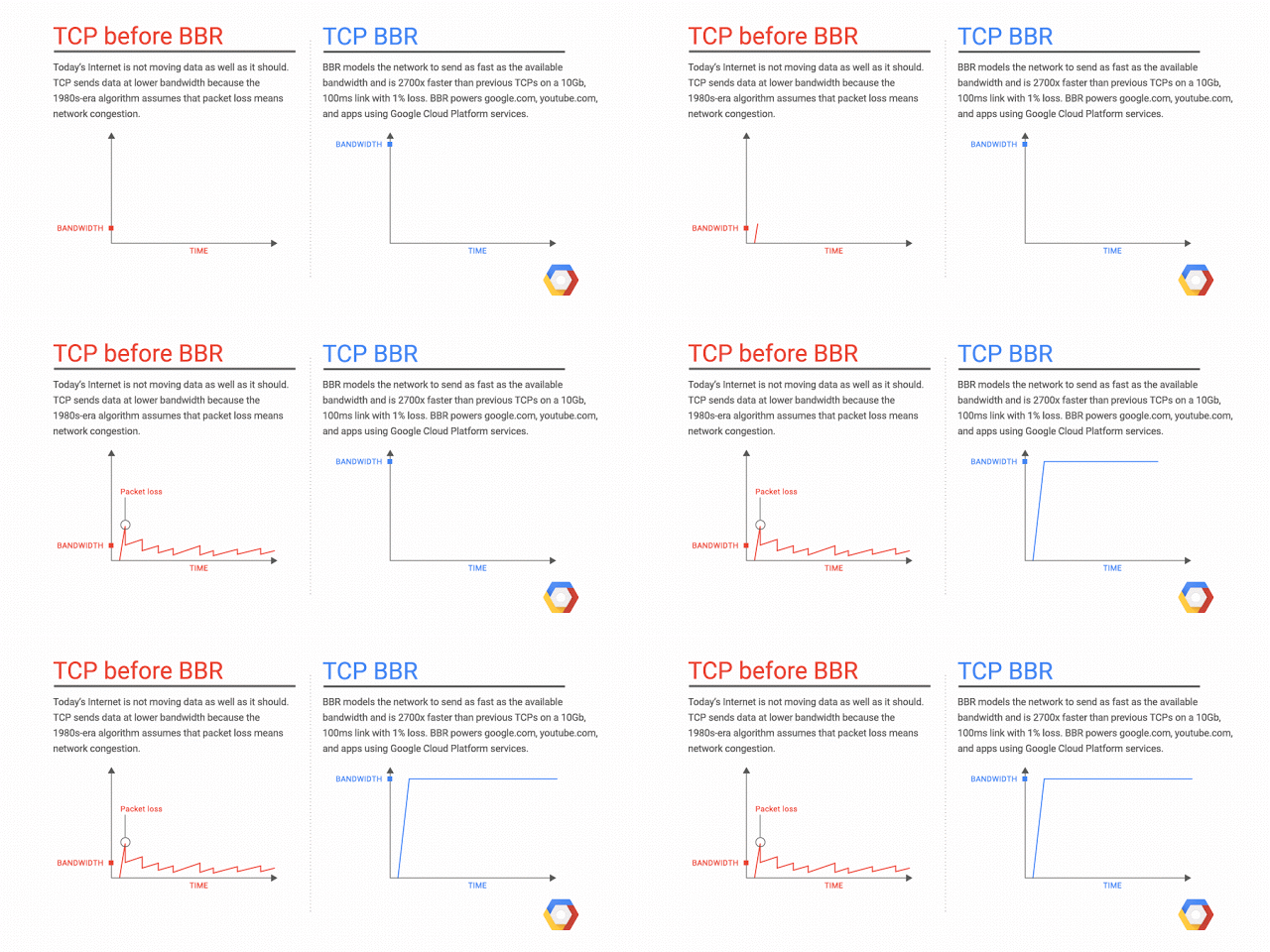
In higher-latency networks, using the original default algorithm (cubic) can lead to very low throughput in lossy environments. BBR, however, still delivers solid performance under high latency and high packet loss. It’s well-suited for proxy servers, streaming sites, game accelerators, and single-server websites.
Enable BBR
Set Fair Queuing as the queuing discipline:
echo "net.core.default_qdisc=fq" >> /etc/sysctl.confSet BBR as the congestion control algorithm:
echo "net.ipv4.tcp_congestion_control=bbr" >> /etc/sysctl.confReload network parameters:
sysctl -pVerify that BBR is active:
lsmod | grep bbrReal-World Speedup Example
I have a server in Hillsboro, Oregon (U.S. West), while Lanco is in New York. The ping between them is around 120 ms. With cubic, bandwidth is roughly 30–50 Mbps; after enabling BBR, it’s over 100 Mbps.
Downsides of BBR
The only real downside is that it’s not friendly to regions with expensive bandwidth. BBR typically consumes a bit more traffic to tune throughput—about 5%. In places like Hong Kong, if your monthly data cap is only a few dozen or a few hundred gigabytes and already tight, weigh your situation carefully.
If your target users have very low latency to the server (30–50 ms), you can skip BBR to save on bandwidth costs, since BBR is meant to improve throughput under high latency and brings very limited benefits in low-latency environments.
Comments NOTHING