

qwq, I've made another rather unnecessary little project: Lan-chan (兰酱), a desktop pet for DeepSeek Harness.
I originally wanted to build a completely standalone desktop pet, but I couldn't bring all the pieces together the way I wanted. So I made this coding companion around DeepSeek Harness instead.
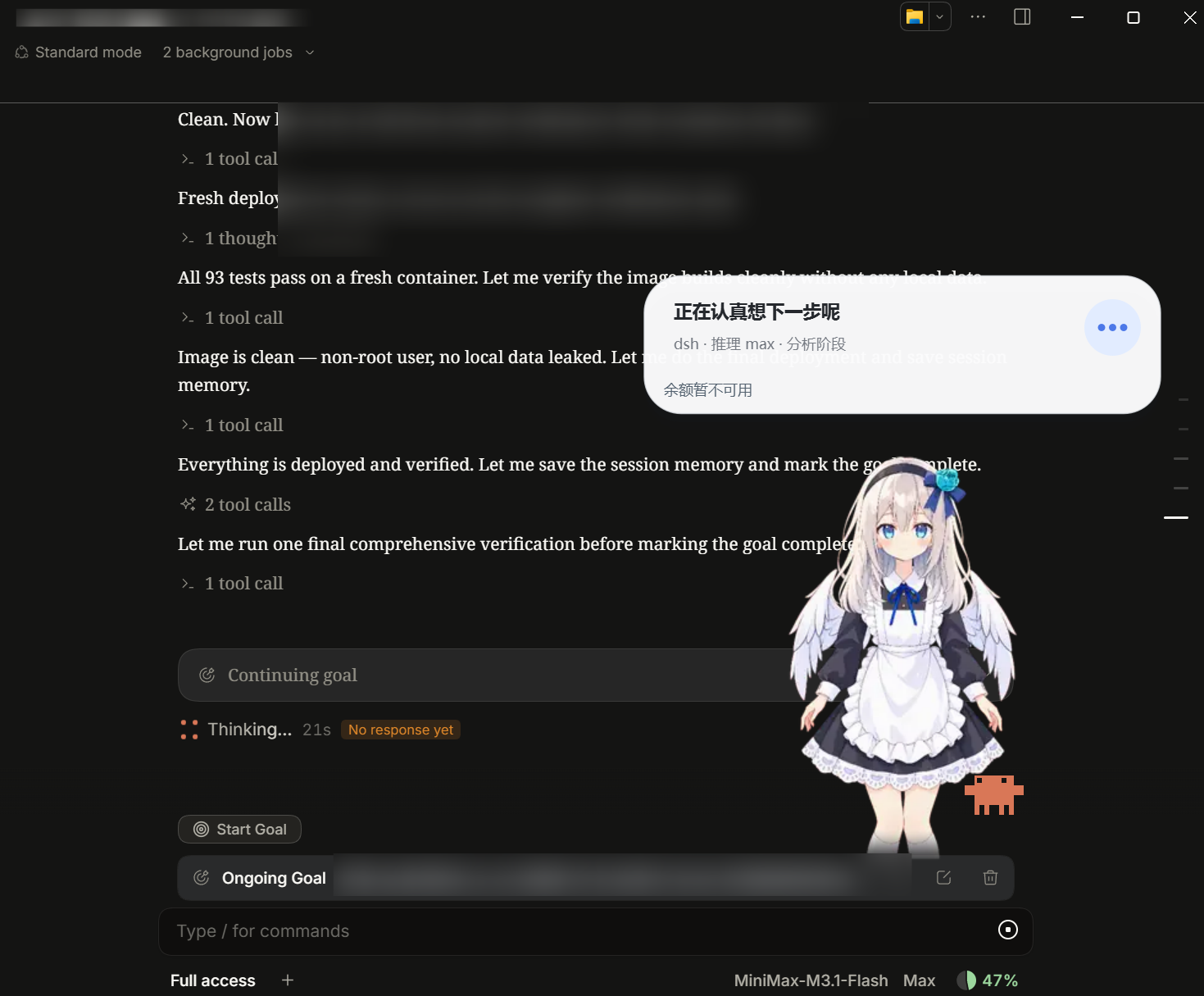
Once loaded, she can show information about ongoing tasks, the current stage of work and your DeepSeek balance when that information is available. In the screenshot, the balance is temporarily unavailable; the task status is still visible.
The idea is to have a little companion keeping you company while Harness works, with its progress visible beside her.
GitHub repository: xmlans/dsh-xmlans
How to install
Use DeepSeek Harness's plugin manager. The project's current English README gives these steps for the official desktop app:
- Open Plugins, then Add plugin.
- Enter
dsh-xmlans@0.1.0and install it. - Choose Enable now once installation finishes.
- Open dsh-xmlans in the plugin list to adjust the character, status bubble and balance display.
The WebUI and official desktop app keep separate plugin profiles, so follow the repository's instructions for the client you use. Installing in one does not automatically install it in the other.
You can also copy the repository URL into a DeepSeek Harness conversation and ask DeepSeek to install it using the instructions for your client.
Adapted from the original Chinese announcement, published on October 20, 2026. Installation details were checked against the project's README.
Comments NOTHING