

A serious Nezha dashboard vulnerability exposed sensitive configuration without authentication. The published advisory affects versions before 2.0.13 and identifies a path-matching error, rather than evidence that every official installation contained an intentional backdoor.
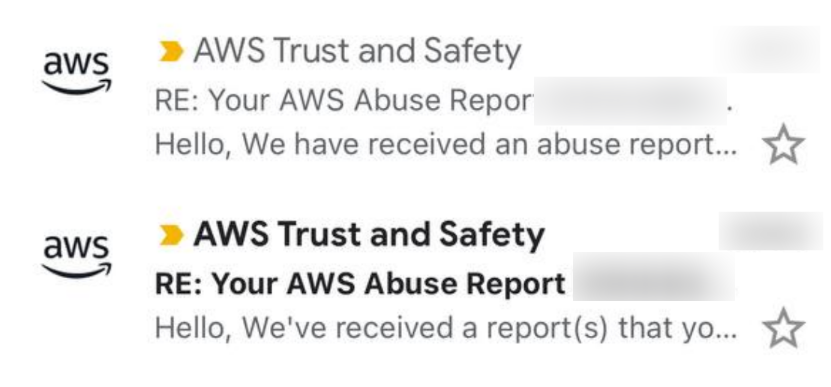
Exposed signing keys could let an attacker impersonate an administrator. Because a dashboard may control its agents and scheduled commands, compromise can spread to monitored servers. Reports in the original article described unwanted mining and DDoS activity, followed by provider suspensions.
Contain the incident
- Update the dashboard to a supported release containing the fix. Version 2.0.13 fixed this specific flaw, but use the latest supported release and review other advisories.
- If exposure is possible, rotate dashboard and agent secrets, invalidate sessions, and inspect servers, scheduled tasks, and logs. Rebuild hosts that cannot be trusted.
- Disable remote command execution on agents where it is not required. This limits the damage a compromised dashboard can cause.
Disable command execution
The original installation example uses the following environment setting. Replace the server and secret placeholders with your own values, and inspect the official installer before running it:
curl -L https://raw.githubusercontent.com/nezhahq/scripts/main/agent/install.sh -o agent.sh && chmod +x agent.sh && env NZ_SERVER=XXX:443 NZ_TLS=true NZ_CLIENT_SECRET=XXX NZ_DISABLE_COMMAND_EXECUTE=true ./agent.shFor an existing agent, enable the corresponding setting in its configuration and restart the agent. Follow your installed version's format; the current YAML setting is:
disable_command_execute: true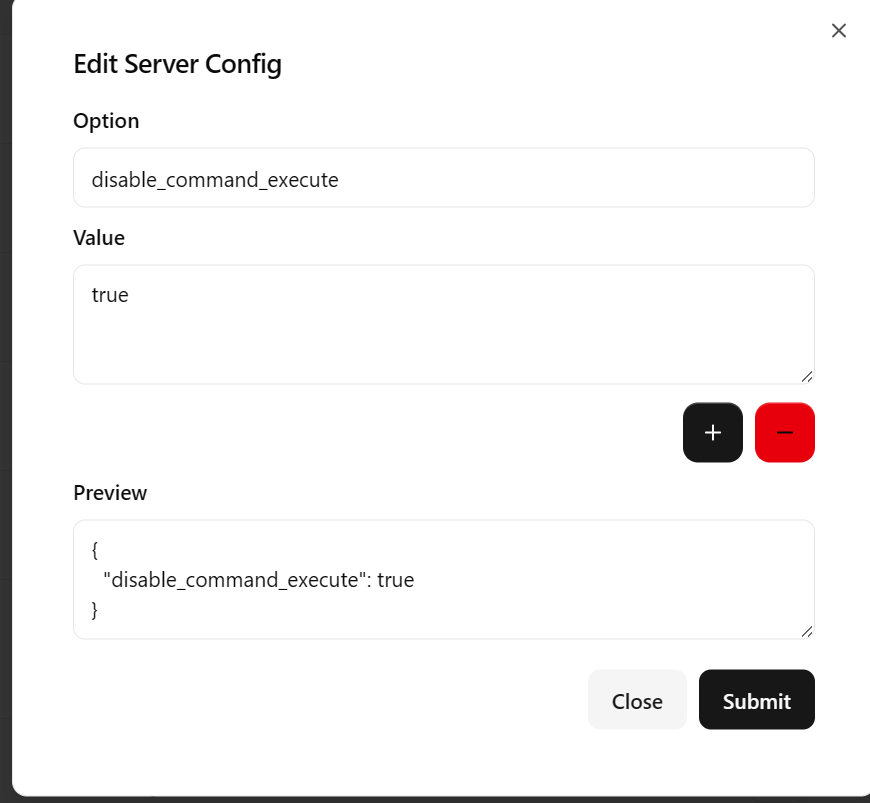
Monitoring software does not always need a remote shell. Reducing that privilege avoids turning a dashboard compromise into unrestricted access to every host.
References: official vulnerability advisory and agent configuration documentation.
Adapted from the original Chinese article, published on June 17, 2026.
Comments NOTHING