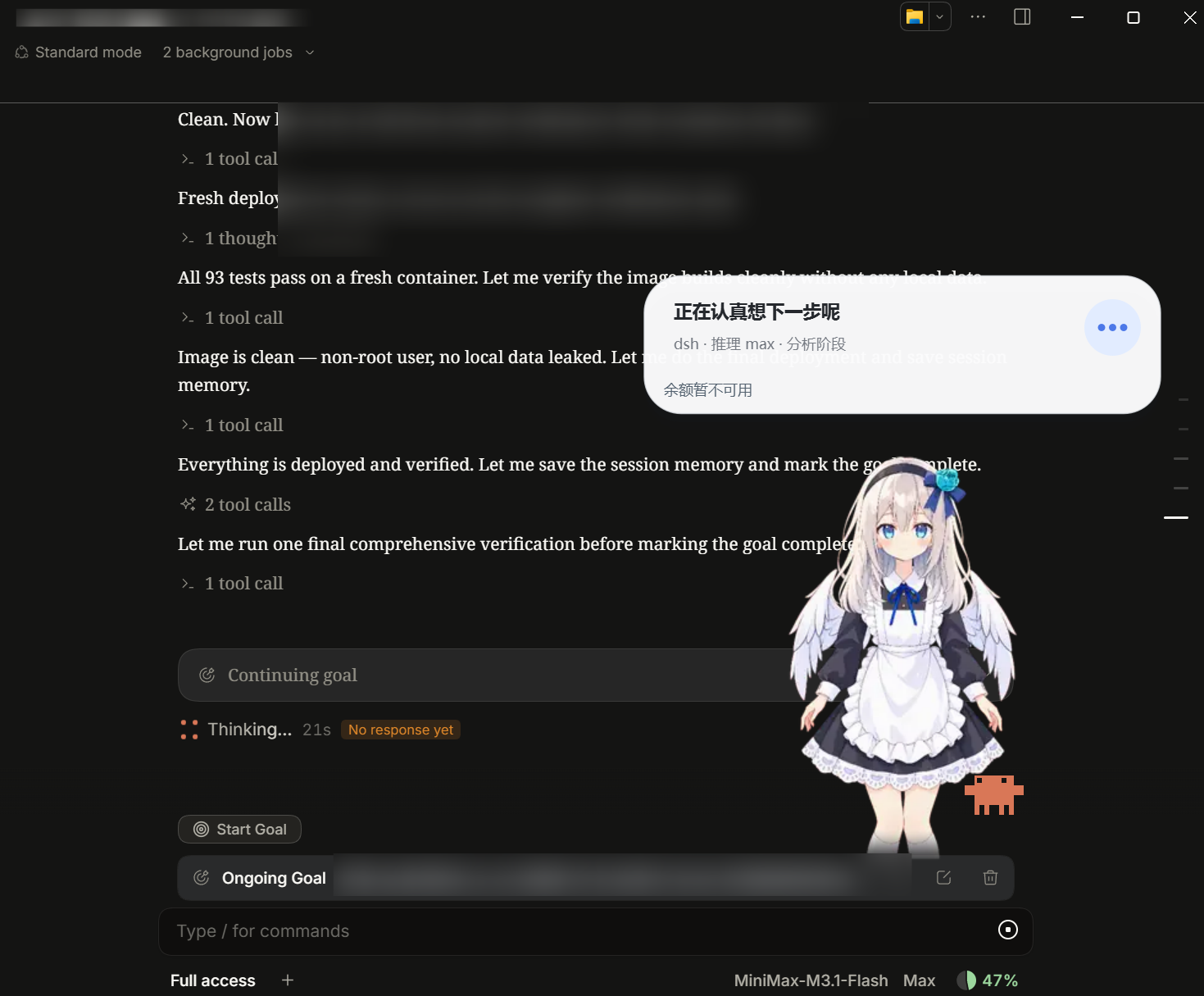
I made another DeepSeek Harness theme, this time inspired by Telegram Web. It changes the workspace sidebar, conversation layout and message bubbles, with floating cards and an input bar over patterned wallpaper. It is still a little rough around the edges, and I may polish it in a future release.
The community sticker character Limeng (璃梦) joins the interface as a small mascot. The theme also includes Classic, Glass and Pink palettes, each following the host's light and dark mode. In the plugin settings you can adjust appearance and animation, including the mascot and message effects. Balance information depends on what the host or another installed component provides; a balance display is not guaranteed to be available.
Installation
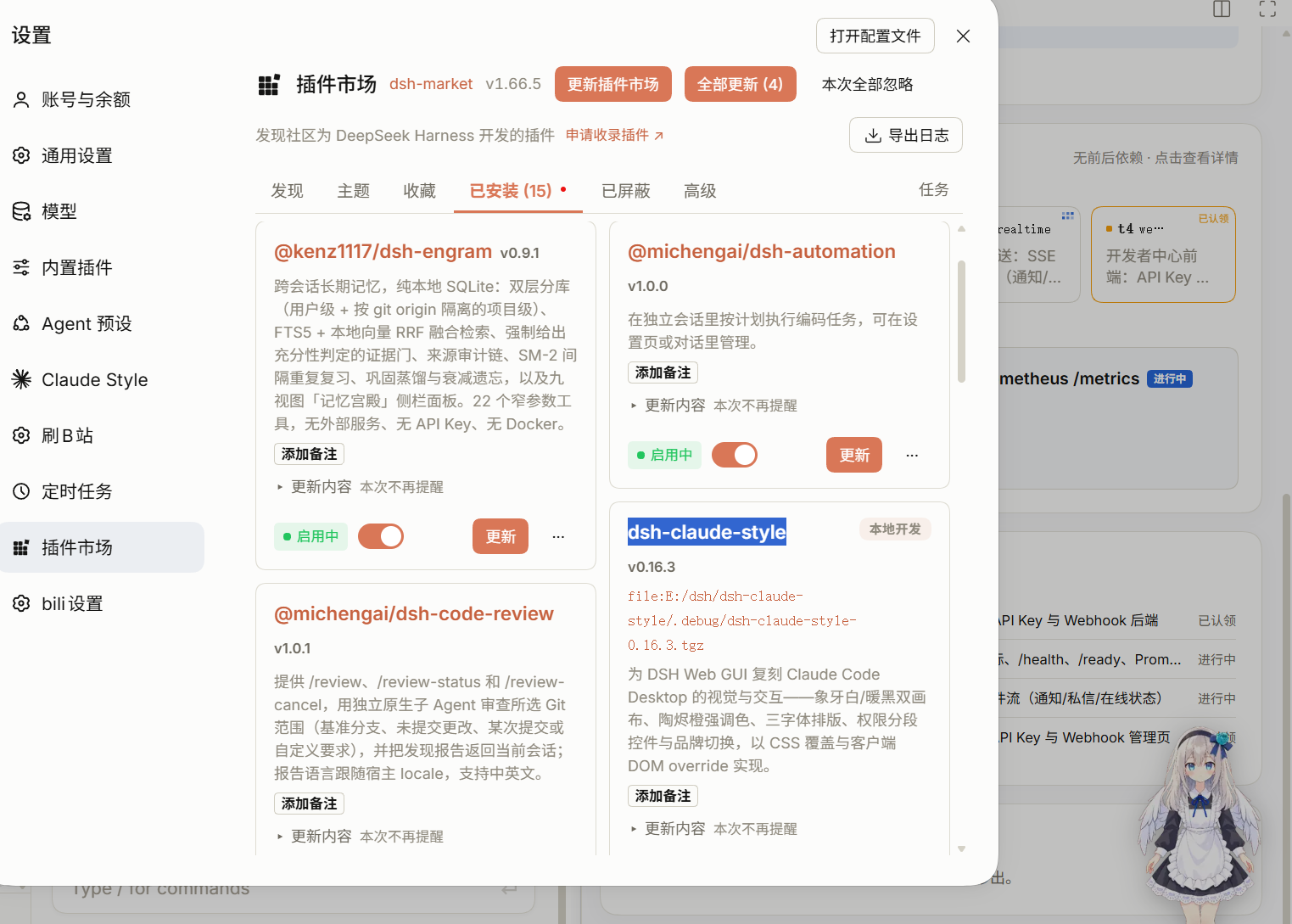
Search for dsh-telegram-style in the DeepSeek Harness plugin market and install it. For the browser WebUI profile, the project's repository also gives this command:
dsh plugin --profile web add dsh-telegram-style
After installation, enable Telegram Style in the skin centre. The official Desktop app uses its own desktop profile, separate from web; the repository provides desktop-specific instructions using the app's bundled CLI. You can keep this theme and dsh-claude-style installed together, but enable one skin at a time.
The repository notes that the Glass palette may slow scrolling in long conversations and that matching chat effects defer to dsh-chat-ux when it is installed. The theme is an unofficial community project, modified from dsh-claude-style; its code is MIT-licensed, while the sticker artwork has separate terms. See the repository for the licence details and consider giving it a star if you like it.






Comments NOTHING